Understand it.
Explore grammar topics with clear explanations and examples you can hear. Follow related topics when one pattern connects to another.
In the Loquus app / Grammar Center
Move from “Why does this work?” to trying it yourself. Explanations, examples, form tables, and focused drills live together in Grammar Center.
Included in free access
Try Loquus in beta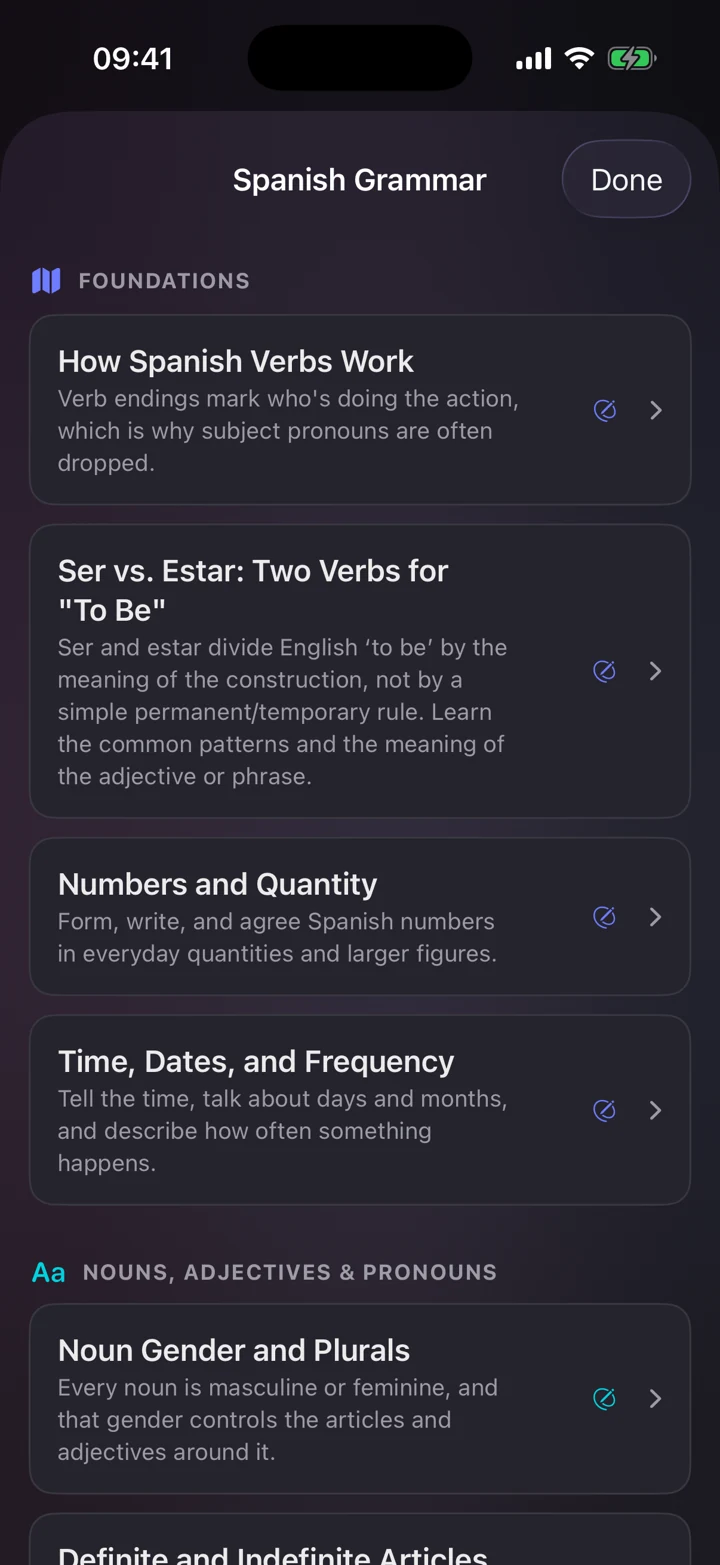
Explore grammar topics with clear explanations and examples you can hear. Follow related topics when one pattern connects to another.
Search the conjugation and form references available for your language. Return to the table when a verb ending or another form won’t come to mind.
Try focused grammar drills, then bring the pattern into your lessons and conversations. References and drills are available across all 14 courses.
Help when the pattern gets complicated
You don’t need to complete a course unit before looking up its grammar. Open the topic you need, hear an example, and work through a drill at your own pace.
Find your languageYes. Open Grammar in the Practice tab anytime. Reading topics, browsing tables, and practicing drills are part of free access and never use one of your three daily lesson starts.
Open a topic and tap Practice this topic, which most topics offer. Each drill shows a short hint and a sentence with a blank, and you choose the answer that fits from four options. Then you see what the sentence means and can play it aloud, and your results are tracked separately from your word progress.
When a lesson shows a grammar note, tap Learn more in Grammar Center to open the matching topic without leaving your lesson. You can also look up any topic before you reach it in your course.
Yes, when the app is set to your language. Topic titles, summaries, and headings come already translated, and on iPhone and iPad the rest is translated on your device if Apple translation supports your language, once its language pack is installed.
14 languages. Your next step.
Follow our guide to install Loquus and start learning.